Login
Login
How Nano Banana Fits First Frame Quality
The transition from text-to-video to image-to-video represents a shift from discovery to control. In the early stages of generative media, creators relied on the "lottery" of text prompting, hoping a latent space would yield a coherent sequence. As the industry matures, the focus has moved toward the "first frame" as the definitive blueprint for any generated sequence. For users working with Nano Banana, the quality, composition, and technical fidelity of this initial asset are the primary variables determining whether a video succeeds or collapses into visual noise.
Understanding why the first frame holds such weight requires a move away from seeing video as a series of independent pictures and instead viewing it as a temporal extension of a single data set. When a model like Nano Banana Pro processes an image, it isn't just "looking" at a picture; it is analyzing a map of pixels that dictates where motion can logically occur. If that map is flawed, the downstream motion will invariably be flawed.
The Technical Debt of a Poor Source Image
In generative workflows, technical debt accumulates rapidly. If an initial image contains "hallucinated" artifacts—such as a distorted limb or a blurred background texture—the video model will attempt to animate those artifacts as if they are intentional physical objects. This is a common point of failure for creators who rush the preparation stage.
When utilizing a tool like Banana AI, the priority must be on "clean" data. This means high-contrast edges, logical lighting, and a lack of compression artifacts. If the source image is low-resolution, the video model must upscale and animate simultaneously. This dual-tasking often leads to a loss of temporal coherence, where textures seem to "crawl" or vibrate across the screen. By ensuring the starting asset is refined through a dedicated AI Image Editor before it ever touches the video generation stage, the operator reduces the computational burden on the motion modules.
Composition and Narrative Weight in Nano Banana Pro
Composition is not merely an aesthetic choice; it is a set of instructions for the AI's motion vectors. A centered, symmetrical composition suggests a different type of movement than a rule-of-thirds layout with deep perspective lines.
In Banana Pro, the canvas workflow allows creators to position elements with precision. This is critical because motion models often default to "zooming" or "panning" based on the perceived depth of the image. If the first frame lacks clear depth cues—such as a distinct foreground, midground, and background—the AI may struggle to calculate how objects should move relative to the camera.
Negative Space and Motion Paths
One of the more nuanced aspects of using Nano Banana Pro is the management of negative space. An image crowded with high-frequency detail (like a dense forest or a busy city street) leaves very little "room" for the AI to move pixels without creating collisions. Conversely, an image with well-defined negative space allows the model to calculate smooth transitions.
It is important to acknowledge a current limitation here: even with a perfectly composed frame, the AI's understanding of three-dimensional physics is still rudimentary. There is often a significant level of uncertainty regarding how an object will rotate or interact with its environment. Operators should expect that complex mechanical movements—like a hand turning a key—will likely require multiple iterations or "seeds" before the motion aligns with physical reality.
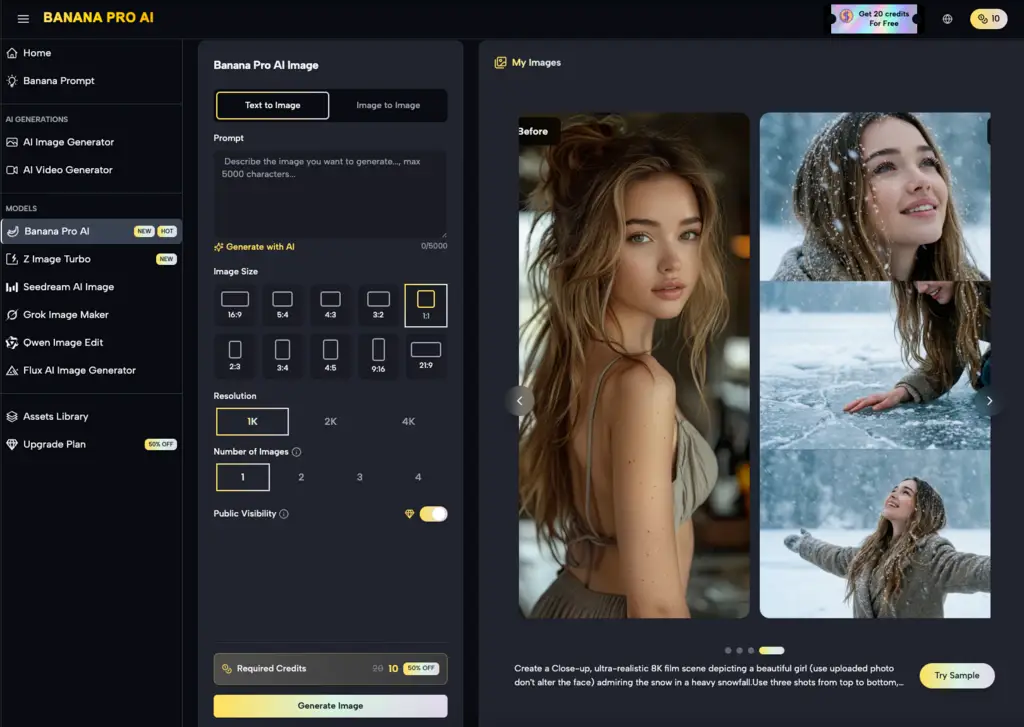
Iterative Refinement via Banana Pro and Nano Banana
The workflow for professional-grade AI video is rarely linear. It is a cyclical process of generation, critique, and refinement. A common mistake is to generate a video, realize it looks "off," and then attempt to fix it by changing the video prompt. In most cases, the fix actually belongs back in the image generation stage.
Using the Nano Banana interface to quickly test motion prototypes is a cost-effective way to see if a specific composition works. If the prototype shows "melting" or "warping," the operator should return to the image editor to solidify the structures within the frame. This might involve inpainting a more stable background or using an AI Image Editor to sharpen the focal point of the scene.
The Limits of Upscaling and Temporal Coherence
There is a pervasive belief that upscaling can save a mediocre video. In reality, upscaling often amplifies the inconsistencies present in the lower-resolution generation. This highlights the necessity of the first frame's "source quality." If the source is 1024x1024 but the model is optimized for 768x768, the resulting squeeze or stretch can introduce subtle logic errors that the AI cannot resolve during the animation phase.
We must also reset expectations regarding "perfect" coherence. Current models, including those powering Nano Banana Pro, still struggle with high-frequency temporal stability. For example, the way light reflects off water or the way fine hair moves in the wind remains a "best-guess" for the software. Even with a high-fidelity starting frame, there is a technical ceiling to how much detail can be maintained across a four-second or ten-second clip without some degree of "shimmering."
Workflow: From Static Asset to Dynamic Output
A disciplined operator follows a specific sequence to ensure the best possible output from Banana AI tools:
-
Conceptualization: Define the primary action. Is it a pan, a tilt, or an object-specific movement?
-
Asset Generation: Create the first frame using a high-fidelity model. At this stage, the focus is on lighting and geometry.
-
Refinement: Use the AI Image Editor within the canvas to remove any "AI-isms"—extra limbs, floating artifacts, or nonsensical shadows.
-
Prototyping: Run a low-resolution pass in Nano Banana to see how the model interprets the geometry.
-
Final Render: Once the motion path is confirmed, move to the high-fidelity Nano Banana Pro settings for the final output.
This segmented approach prevents the creator from wasting time on high-resolution renders of flawed compositions. It treats the first frame as the "DNA" of the video.
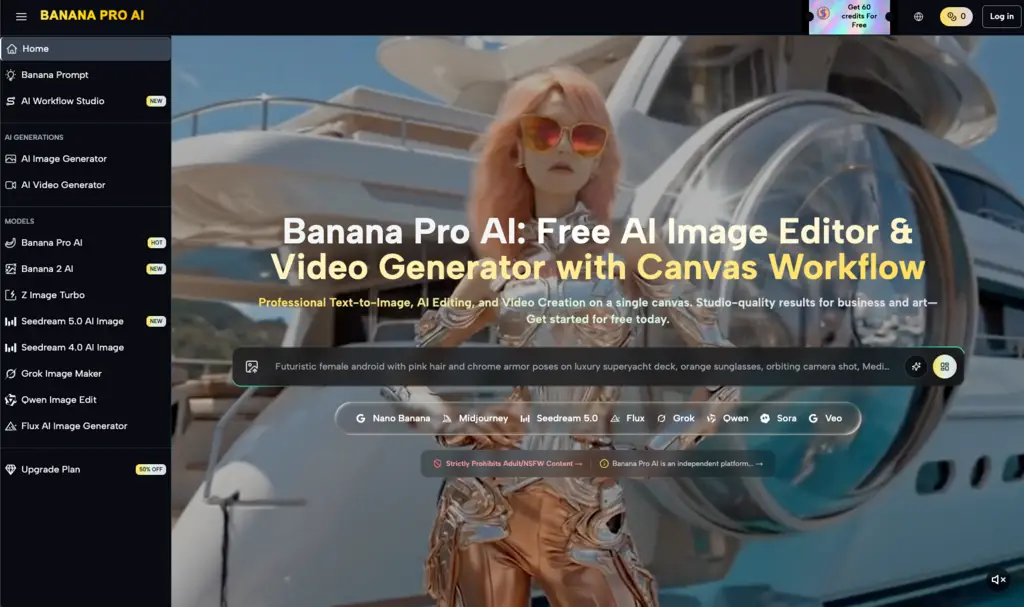
Depth of Field as a Control Mechanism
Depth of field (DoF) is one of the most underutilized tools in the AI video creator’s kit. By using a shallow depth of field in the first frame—where the subject is sharp and the background is blurred—the operator explicitly tells the AI where the focus of the motion should be.
When the background is blurred, the AI has fewer "points of interest" to calculate, which often leads to smoother camera movements. If everything in the frame is sharp, the AI may attempt to animate the background with the same intensity as the foreground, leading to a dizzying and unrealistic effect. This is another area where the restraint of the operator yields better results than the raw power of the model.
The Role of the Operator in Asset Preparation
Despite the automation involved in Banana AI, the "human in the loop" remains the most critical component. The AI cannot distinguish between a "good" composition and a "bad" one; it can only follow the mathematical probabilities laid out by the pixels provided.
A common point of frustration for indie makers is the "uncanny valley" of motion. This usually happens when the first frame is too "perfect"—too smooth, too plastic, or too symmetrical. Real-world video has imperfections: lens flares, grain, and slightly uneven lighting. Introducing these elements into the source image through the Banana Pro environment can actually help the video model produce a more grounded and believable result.
Practical Limitations of Motion Intensity
One must acknowledge that the relationship between the first frame and the motion prompt is not always one-to-one. There is a persistent uncertainty in how motion intensity sliders interact with specific image styles. A high motion setting on a minimalist architectural shot might result in the building "melting," whereas the same setting on a busy crowd scene might result in almost no movement at all because the model is overwhelmed by the number of objects to track.
Testing these boundaries is part of the professional workflow. It is better to view Nano Banana Pro as a collaborative tool that requires a well-prepared "brief" in the form of a high-quality image, rather than a magic wand that can create something from nothing.
Conclusion: The Future of First-Frame Priority
As we move toward higher resolutions and longer durations in AI-generated video, the importance of the starting asset will only increase. The tools provided by Banana AI are designed to give creators the granular control needed to bridge the gap between a static idea and a dynamic reality.
Success in this field requires a shift in mindset. Stop asking what the video model can do for you, and start asking what you can do for the video model. By providing a clean, well-composed, and technically sound first frame, you are giving the AI the best possible chance to succeed. The operator who masters the "static" art of image preparation is the one who will ultimately master the "dynamic" art of generative video. Whether you are using Nano Banana for quick iterations or the full suite for production-grade assets, the rule remains the same: the quality of the end is determined by the quality of the beginning.
Related Blogs
No related blogs found.